Admin
Admin
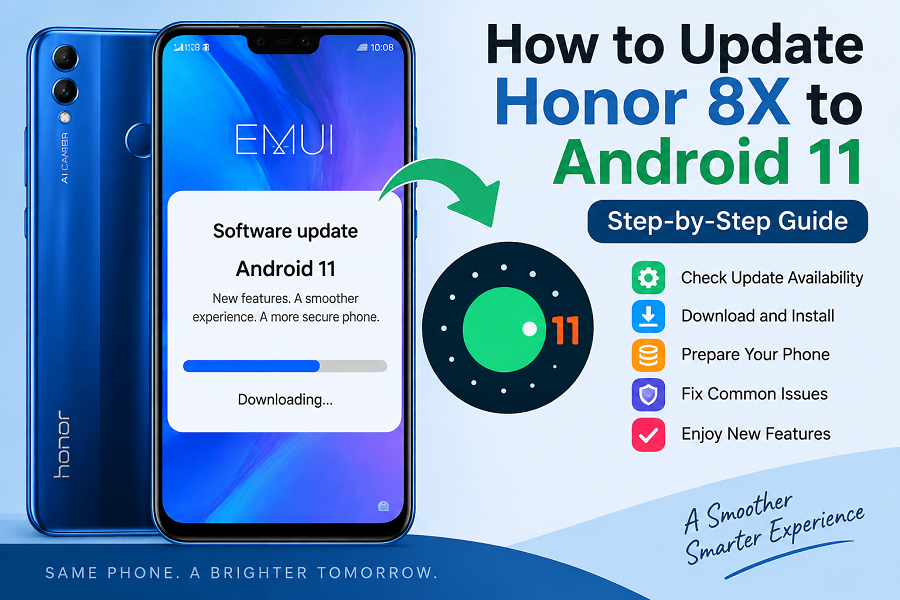
The Honor 8X was one of the popular mid-range smartphones from Honor, offering a large display, capable hardware, and an EMUI-based software experience. Many users want to know how to update their Honor 8X to Android 11 to access newer features, improved security, and a more modern Android experience. However, Android updates depend on several factors, including the phone model, region, carrier approval, and manufacturer support. Not every device receives every Android version officially.
Before attempting any update method, it is important to check whether Android 11 is officially available for your specific Honor 8X model.
This guide explains how to check for updates, install available software safely, and troubleshoot update problems.
Key Takeaways
- Honor 8X updates depend on region, model number, and official software support.
- Always check official update availability before installing firmware.
- Back up important data before major software updates.
- Use official update methods whenever possible.
- Avoid installing unknown firmware files because they may damage your device.
- If Android 11 is not officially available, unsupported installation methods may carry risks.
Can Honor 8X Get Android 11?
The Honor 8X originally launched with Android 8.1 Oreo and EMUI software. Later software updates brought newer Android versions to some regions.
Whether your Honor 8X can receive Android 11 depends on:
- Exact model variant
- Country or region
- Current EMUI version
- Honor the software update policy.
- Carrier restrictions
Some Honor devices received Android 11-based EMUI updates, but availability varied. Users should verify through official Honor update channels before installing any software.
Before Updating Honor 8X to Android 11
Before starting any update process, prepare your phone properly.
Check Your Current Software Version
To check your Honor 8X software:
Open Settings.
Scroll down and tap System & updates.
Select Software update.
Check your current EMUI and Android version.
This helps determine whether your phone already has the latest available update.
Charge Your Phone
Software updates can take time.
Make sure your device has enough battery before starting.
Recommended preparation:
- Charge your phone above 50%.
- Keep the charger nearby.
- Avoid turning off the phone during installation.
A power interruption during an update may cause software problems.
Backup Your Important Data
Major updates usually do not erase personal files, but backups are still recommended.
Save:
- Photos
- Videos
- Contacts
- Messages
- Important documents
- App data
You can use:
- Cloud backup services
- External storage
- Computer backup
Connect to Wi-Fi
Software updates can be large.
Using Wi-Fi is recommended because:
- Downloads are usually faster.
- Mobile data charges can be avoided.
- Connection stability is better.
Official Method: Update Honor 8X Through Settings
The safest way to update your Honors 8X is through the built-in update system.
Follow these steps:
Open Settings
Open the Settings app from your home screen or app drawer.
Open System & Updates
Find:
Settings → System & updates
The exact menu name may vary slightly depending on your EMUI version.
Select Software Update
Tap:
Software update
Your phone will check available updates.
Download and Install
If Android 11 or another official update is available:
Tap download.
Wait until the download completes.
Select install.
Allow the phone to restart.
Do not interrupt the installation process.
Using the Honor Support App for Updates
Some Honor phones provide update checking through official support applications.
Depending on your region, you may be able to:
- Check available software versions.
- Access updated information.
- Receive device support.
Availability may differ by country.
Why is the Android 11 Update Not Showing on the Honor 8X?
Many users search:
“Why is Android 11 update not showing on my Honor 8X?”
There are several possible reasons.
Update Not Released for Your Region
Manufacturers often release updates gradually.
A software update may appear:
- First in selected countries.
- Later in other regions.
- Only for certain variants.
Your Phone Model Is Different
Honor 8X has different regional versions.
The update available for one model may not be available for another.
To check your model:
Open Settings.
Go to About phone.
Check the model number.
Your Phone Already Has the Latest Supported Version
Sometimes users expect Android 11, but the manufacturer may have stopped updates for that model.
Always check the official update information for your device.
Can I Install Android 11 Manually on the Honour 8X?
Some users look for manual firmware installation methods.
However, manually installing unofficial firmware can be risky.
Possible problems include:
- Device boot failure
- Software errors
- Loss of data
- Security issues
- Warranty concerns
If an official Android 11 update is not available, installing random firmware files from unknown websites is not recommended.
Common Honor 8X Update Problems and Solutions
| Update not available | Check again later and verify model |
| Download fails | Use stable Wi-Fi |
| Installation stops | Restart and try again |
| Storage error | Free up phone storage |
| Phone becomes slow | Clear cache and restart |
| Battery drains after update | Allow time for background optimization |
Free Up Storage Before Updating
A lack of storage space can prevent updates.
Remove unnecessary files such as:
- Old videos
- Duplicate photos
- Unused apps
- Downloaded files
To check storage:
Open Settings.
Tap Storage.
Review available space.
Clear Cache Before Trying Again
Temporary files can sometimes interfere with updates.
You can try:
Restart your phone.
Clearing unnecessary app cache.
Checking for updates again.
Avoid deleting system files unless you understand the consequences.
What Are the Benefits of Android 11?
If your Honor 8X receives an official Android 11 update, possible improvements may include:
Better Privacy Controls
Android 11 introduced improved privacy features, including more control over app permissions.
Improved Notifications
Android 11 redesigned notification handling, especially for conversations.
Better Device Management
The update introduced improvements in system behavior and user controls.
Security Improvements
Newer Android versions generally include security improvements compared with older versions.
Things to Do After Updating Honor 8X
After installation:
Restart Your Phone
Allow the system to complete setup.
Check Your Apps
Some apps may need updates after a major Android version change.
Open:
- Google Play Store
- App updates section
Check Battery Performance
After updates, your phone may temporarily use more battery while optimizing apps.
Give it some time before judging performance.
Should You Update Honor 8X to Android 11?
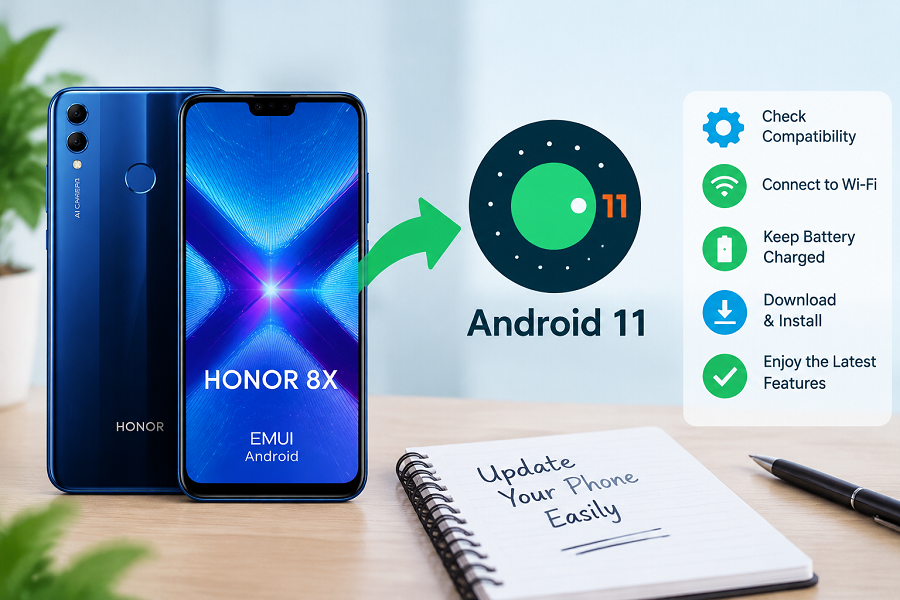
If Android 11 is officially available for your device, updating is usually recommended.
Benefits may include:
- Updated security features
- Better software compatibility
- Improved user experience
However, if Android 11 is not officially supported for your exact Honor 8X model, forcing an update may create unnecessary risks.
Honor 8X Android 11 Update Checklist
Before updating:
✅ Check software update availability
✅ Confirm your phone model
✅ Backup important files
✅ Charge the battery
✅ Connect to Wi-Fi
✅ Keep enough storage space
✅ Install only trusted software
✅ Confirm your phone model
✅ Backup important files
✅ Charge the battery
✅ Connect to Wi-Fi
✅ Keep enough storage space
✅ Install only trusted software
Frequently Asked Questions (FAQs)
How do I update Honor 8X to Android 11?
Go to Settings → System & updates → Software update and check whether Android 11 is available for your device.
Why is my Honor 8X not getting Android 11?
The update may not be available because of your region, device variant, carrier restrictions, or official support limitations.
Can I manually download the Honor 8X Android 11 firmware?
Manual firmware installation is possible in some cases, but unofficial files can create security and stability risks.
Will updating the Honor 8X erase my data?
Official updates usually keep personal data, but backing up important files before updating is always recommended.
How much storage does an Android update need?
The required storage depends on the update size. Keeping several gigabytes of free space is generally helpful.
What should I do if my Honor 8X update fails?
Restart your phone, check your internet connection, free storage space, and try checking for updates again.
Final Thoughts
If you are searching for “how to update Honor 8X to Android 11,” the safest approach is to first check for official updates in your phone’s settings.
Software updates depend on your exact model and region, so not every Honor 8X device will receive the same Android version. Avoid unofficial firmware unless you fully understand the risks.
Keeping your phone updated through official channels is the best way to maintain security, stability, and performance. and fix common software update problems.