Table of Contents
- Why Google My Business Matters
- Claiming Your Profile
- Finding Your Business
- Verification Methods
- Optimizing Your Listing
- Accurate Nap Info
- Choosing Categories
- Compelling Description
- Adding Photos & Videos
- Leveraging Gmb Features
- Posts For Updates
- Q&a Section
- Messaging
- Services & Products
- Reviews: Your Digital Word-of-mouth
- Encouraging Reviews
- Responding To Feedback
- Handling Negative Reviews
- Gmb Insights & Analytics
- What To Track
- Making Data-driven Decisions
- Advanced Gmb Strategies
- Local Seo Integration
- Using Attributes
- Accommodations & Accessibility
- Common Gmb Mistakes To Avoid
- Incomplete Or Outdated Information
- Ignoring Customer Reviews
- Poor Quality Photos
- Not Using Gmb Posts
- Incorrect Business Categories
- Frequently Asked Questions
- What Is Google My Business?
- How Do I Claim My Google My Business Listing?
- How Can Google My Business Help My Business?
- Is Google My Business Free To Use?
- Conclusion
Is your business getting found online? If not, you’re missing out on customers.
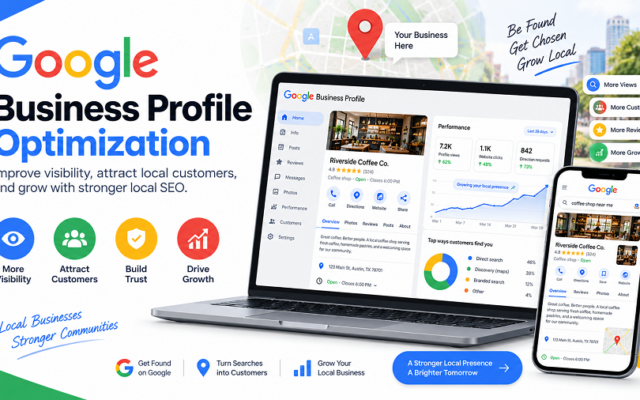
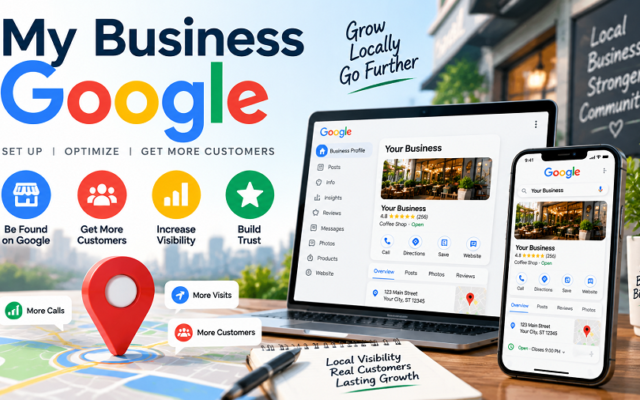
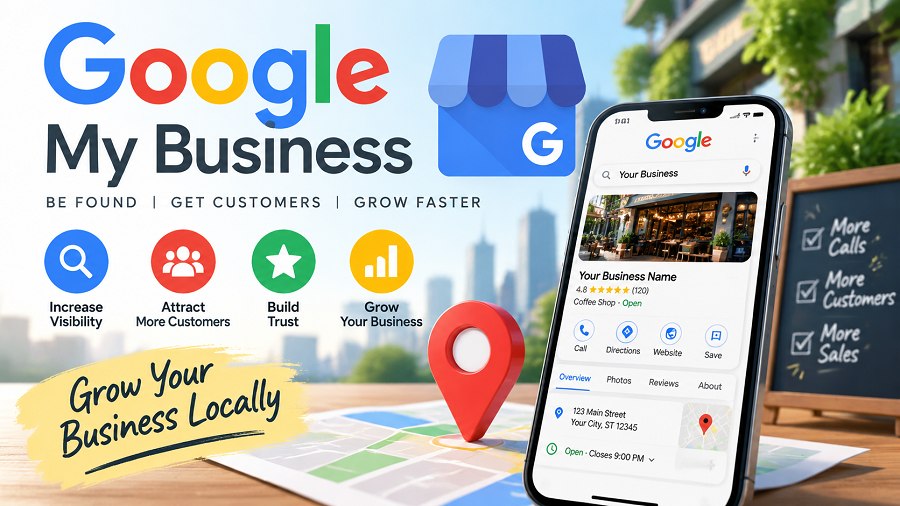
There’s a powerful, free tool that can change that: Google My Business. Think of it as your digital storefront on Google Search and Maps. We’ll show you exactly how to set up and optimize your Google My Business profile. You’ll learn how to attract more local customers and make your business stand out.
Ready to boost your visibility? Let’s dive in.
Why Google My Business Matters
Google My Business is crucial for businesses today. It helps customers find you easily. It boosts your online visibility. Local searches drive real customers. Your business needs this tool.
Google My Business puts you on the map. It appears in local search results. It shows up in Google Maps. This makes your business discoverable. Customers search for services nearby. Your listing connects them to you. It’s a vital first impression.
Your profile builds trust. Accurate information is key. Hours, address, and phone number. Customers check these details. Positive reviews add credibility. They show happy customers. This encourages new visitors.
It is a free marketing tool. You get a dedicated business page. Share updates and offers. Post photos of your work. Engage directly with customers. Answer their questions quickly. This builds a loyal following.
Your competitors use it. Don’t get left behind. A strong profile stands out. It attracts more local traffic. More traffic means more sales. It’s a simple way to grow. Your business deserves this advantage.
Claiming Your Profile
Claiming your Google My Business profile is vital. It puts you in control. You manage how your business appears online. This is your digital storefront. Make it shine.
Finding Your Business
First, search for your business. Go to Google. Type your business name. Look for the “Own this business?” prompt. It might appear on the right side. This is your first step. Find it. Claim it.
Verification Methods
Google needs to confirm it’s you. They offer several ways. The most common is postcard mail. A code arrives at your address. You enter this code online. Sometimes, phone verification works. A call confirms your business. Video verification is also an option. Show your business location. Prove ownership. Choose the best method for you. Get verified. It’s that simple.
Optimizing Your Listing
Optimizing your Google My Business listing is crucial. It helps customers find you easily. A well-optimized listing boosts your local search ranking. It makes your business stand out online. This section guides you through key optimization steps.
Accurate Nap Info
NAP stands for Name, Address, Phone. Keep this information current. Ensure it matches everywhere online. Inaccurate NAP confuses customers. It hurts your search visibility. Update it immediately if it changes. Consistency is very important.
Choosing Categories
Select the best categories. They describe your business. Use primary and secondary categories. Choose the most relevant ones. This helps Google understand your services. It connects you with the right customers. Don’t skip this step. It really matters.
Compelling Description
Write a clear business description. Highlight your unique selling points. Use keywords customers search for. Keep it concise and engaging. Tell people what you offer. Make it easy to read. Show your personality. Customers like authenticity.
Adding Photos & Videos
Upload high-quality photos. Show your products and services. Include pictures of your location. Add videos to showcase your business. Visuals attract more attention. They make your listing more appealing. Keep them updated regularly. Great visuals get noticed.
Leveraging Gmb Features
Sure, here is an engaging section of a blog post about Google My Business, focusing on “Leveraging GMB Features,” formatted for WordPress and adhering to all your specifications.
Google My Business offers powerful tools. These tools help your business stand out. You can connect with customers directly. This section explores key features. Learn how to use them effectively. Make your business profile shine.
Posts For Updates
Share news with Google Posts. Announce special offers. Highlight new products. Post about upcoming events. Keep your profile fresh. Customers see your latest updates. This drives engagement.
Q&a Section
Customers ask questions here. You can answer them quickly. Proactive answers help everyone. Create your own FAQs. Anticipate common queries. Provide clear, helpful responses. Build trust with your audience.
Messaging
Enable direct messaging. Customers send you messages easily. Respond promptly to inquiries. Offer quick customer support. This builds strong relationships. Show you care about service.
Services & Products
List your services clearly. Detail your product offerings. Add descriptions and prices. Use appealing photos. Customers can browse your catalog. This attracts interested buyers. It simplifies their decision-making.
Reviews: Your Digital Word-of-mouth
Reviews are powerful. They are your business’s voice. Customers trust other customers. Good reviews build trust. They attract new business. Your Google My Business profile showcases reviews. This section is vital for success.
Encouraging Reviews
Ask customers for reviews. Make it easy for them. Provide a direct link. Train your staff. Remind them after a good experience. A simple request works wonders. Positive feedback is gold.
Responding To Feedback
Always respond to reviews. Thank customers for positive words. Show you appreciate their business. Acknowledge their experience. Your response matters greatly. It shows you care.
Handling Negative Reviews
Negative reviews happen. Stay calm and professional. Do not get defensive. Apologize for their bad experience. Offer to resolve the issue. Take the conversation offline. Learn from the feedback. Improve your services. Turn a negative into a positive.
Gmb Insights & Analytics
Google My Business offers powerful tools. These tools show you how customers find you. They reveal how they interact with your listing. Understanding this data helps your business grow. It’s your window into customer behavior. This information is freely available. Use it to your advantage.
What To Track
Your GMB Insights tell a story. Track how many people view your listing. See how many search for directions. Note how many call your business. This data shows customer interest. It reveals what actions they take. Monitor photo views. See how many website clicks you get. These numbers matter.
Making Data-driven Decisions
These insights guide your strategy. High search views but few calls? Your phone number might be hard to find. Many direction requests? Your location is a draw. Low website clicks? Improve your website link. Use this data to make smart changes. Small tweaks can yield big results. Adapt your approach based on facts. Grow your business with this knowledge.
Advanced Gmb Strategies
Boost your local search presence. Optimize your Google My Business profile. Use advanced tactics for better visibility. Attract more customers to your business.
Ready to take your Google My Business (GMB) profile from good to great? Basic setup is a start. Advanced GMB strategies push your local visibility further. These tactics help you stand out. They connect you with more local customers. Let’s explore these powerful techniques.
Local Seo Integration
Your GMB profile is key for local search. It works with your website. Ensure your business name is consistent. Use the same address everywhere. Your phone number must match too. This builds trust with Google. It helps search engines rank you. Optimize your GMB categories. Choose the most specific ones. This tells Google what you do. Encourage customer reviews. Respond to all reviews. Positive reviews boost your ranking. Negative reviews show you care.
Using Attributes
Attributes tell customers more. They highlight your business features. Use attributes relevant to your industry. For restaurants, mention outdoor seating. For retail, list “curbside pickup.” These details attract specific customers. They answer customer questions fast. They improve your profile’s usefulness. This makes your listing more appealing.
Accommodations & Accessibility
For certain businesses, these matter. Hotels can list amenities. Think Wi-Fi and parking. For all businesses, accessibility is vital. Indicate if your location is wheelchair accessible. Mention accessible restrooms. Describe parking availability. These details welcome all customers. They show you value inclusivity. This builds a stronger community connection.
Common Gmb Mistakes To Avoid
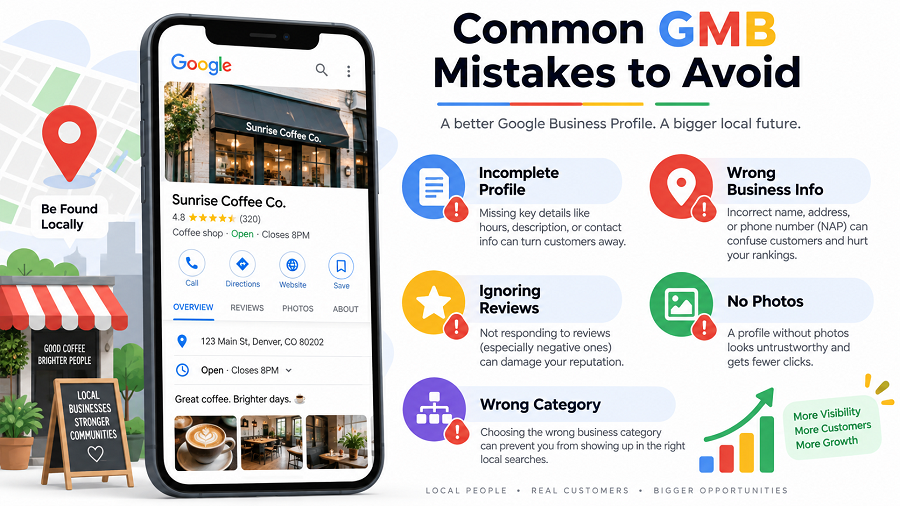
Your Google My Business profile is crucial. It helps customers find you. Small errors can hurt your visibility. Avoiding common mistakes is vital. This section highlights key pitfalls. Learn to steer clear of them.
Incomplete Or Outdated Information
Your profile needs full details. Ensure your address is correct. Your phone number must be accurate. Business hours should be up-to-date. Missing info frustrates customers. It makes you look unprofessional. Keep your GMB profile current. Regularly check for updates.
Ignoring Customer Reviews
Reviews matter greatly. Customers read them. Respond to all reviews. Thank positive reviewers. Address negative feedback politely. Show you care about feedback. Ignoring reviews is a big mistake. It damages your reputation. Engage with your customers.
Poor Quality Photos
Visuals attract attention. Use high-quality photos. Show your products clearly. Display your business interior. Let customers see your atmosphere. Blurry or old photos hurt. They look unprofessional. Invest in good pictures. Make your listing stand out.
Not Using Gmb Posts
Google Posts are powerful. Share updates and offers. Announce new products. Promote special events. Posts keep your profile active. They engage your audience. Not using posts is a missed chance. It reduces your visibility. Use them regularly.
Incorrect Business Categories
Choose the right categories. Select primary and secondary ones. This helps Google understand you. It improves search results. Wrong categories confuse customers. They may not find you. Pick categories carefully. Be specific and relevant.
Frequently Asked Questions
What Is Google My Business?
Google My Business is a free tool. It helps businesses manage their online presence. You can connect with customers. You can also share updates and offers.
How Do I Claim My Google My Business Listing?
Claiming is simple. Search for your business on Google. If a listing exists, click “Own this business? “. Follow the prompts to verify ownership.
How Can Google My Business Help My Business?
It boosts local search visibility. Customers find you easily. You can showcase services and hours. It builds trust and credibility.
Is Google My Business Free To Use?
Yes, Google My Business is completely free. There are no hidden costs. You can create and manage your profile without paying.
Conclusion
Google My Business helps your business. It makes you easy to find. Customers see your important information. Your listing builds trust. Keep it updated always. This tool boosts your local reach. Start using it today. See your business grow.

admin
Writer at UpdateArticle, covering technology, software and the tools shaping how we work online.