Table of Contents
- Claim Your Google Business Profile
- Why A Google Business Profile Matters
- Step-by-step Claiming Guide
- Essential Information To Add
- Optimize Your Profile
- Keywords For Local Search
- Compelling Business Description
- High-quality Photos And Videos
- Accurate Hours And Location
- Leverage Google Posts
- Types Of Google Posts
- Crafting Engaging Content
- Frequency And Consistency
- Encourage And Manage Reviews
- The Power Of Customer Reviews
- Strategies For Getting More Reviews
- Responding To Reviews (good And Bad)
- Utilize Google Business Messaging
- Enable Messaging Feature
- Quick Response Strategies
- Customer Service Through Messaging
- Track Your Performance
- Key Metrics To Monitor
- Insights From Your Dashboard
- Making Data-driven Adjustments
- Q&a Section Power
- Adding Products And Services
- Local Seo Synergy
- Frequently Asked Questions
- What Is Google Business Profile?
- How To Claim My Business On Google?
- Can I Add Photos To My Profile?
- How To Get Reviews On Google?
- Conclusion
Is your business lost in the digital crowd? Do you want more customers to find you online?
Google is the answer, but simply having a Google presence isn’t enough. We’ll show you how to make sure your business shines on Google, so the right people see you and choose you. Get ready to attract more local customers and grow your business – it’s easier than you think!
Claim Your Google Business Profile
Claim your Google Business Profile today. Show up when customers search for businesses like yours. It’s a free way to connect with local shoppers.
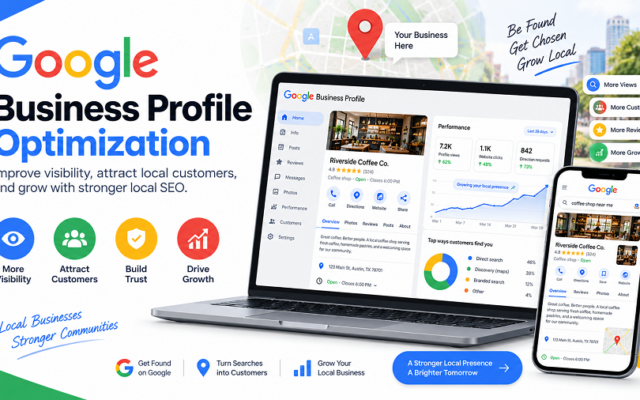
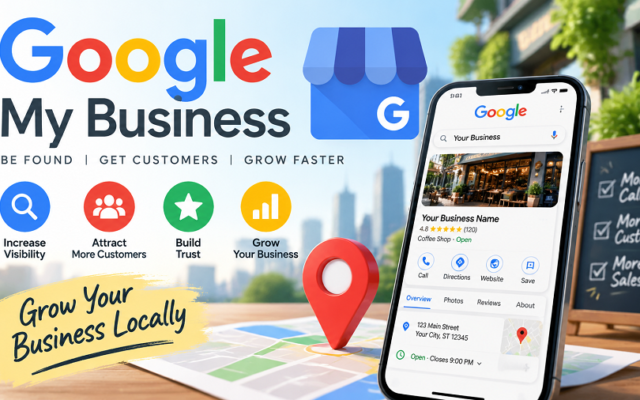
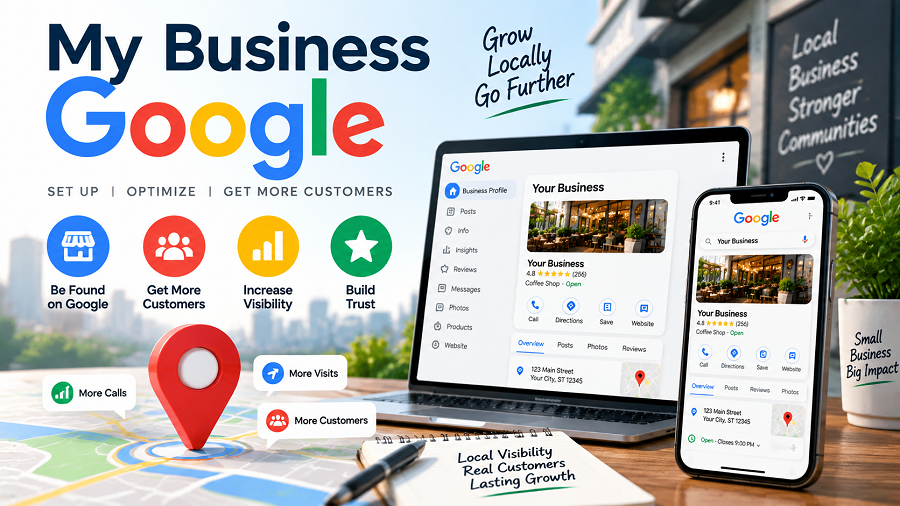
Ready to make your business shine online? The first step is claiming your Google Business Profile. This free tool is your digital storefront on Google Search and Maps, and getting it set up is crucial for local customers to find you.
Why A Google Business Profile Matters
Think of your Google Business Profile as your business’s first impression for online searchers. It’s often the very first thing people see when they look for businesses like yours in their area. A complete and accurate profile builds trust and encourages customers to choose you over competitors. A strong profile directly impacts your visibility. When customers search for products or services you offer, your business can appear prominently in local search results and on Google Maps. This means more potential customers seeing your business and more opportunities for them to connect with you.
Step-by-step Claiming Guide
Claiming your profile is straightforward. Start by going to the Google Business Profile website or searching for your business on Google Maps. If your business isn’t listed, you’ll have the option to add it. If your business is already listed but unclaimed, you’ll see a prompt to “Claim this business.” Follow the on-screen instructions. Google needs to verify that you are the rightful owner of the business. This verification typically happens through a postcard sent to your business address. Once you receive the postcard with a verification code, enter it on your Google Business Profile. This confirms your ownership and gives you full control.
Essential Information To Add
Once verified, it’s time to fill out your profile completely. Add your accurate business name, address, and phone number. This is the foundational information customers need to find and contact you. Include your operating hours, making sure they are up-to-date, especially for holidays. Customers appreciate knowing when they can visit or call. Also, add your website URL so interested parties can learn more. Upload high-quality photos of your business, products, or services. Visuals are powerful! Consider adding a compelling business description that highlights what makes you unique. This is your chance to tell your story and attract customers.
Optimize Your Profile
Your Google Business Profile is your digital storefront. Optimizing it brings customers to your door. Make it shine. Make it easy to find. This section shows you how.
Keywords For Local Search
Think like your customers. What words do they type? Use those words. Put them in your profile. This helps people find you. Search engines see these words. They connect them to your business. Use common search terms. Be specific. Local keywords are key.
Compelling Business Description
Tell your story. What makes you special? Write a clear description. Use simple words. Highlight your best services. Mention what you offer. Keep it interesting. Make customers want to visit. A good description draws people in. It answers their questions.
High-quality Photos And Videos
Show your best work. Use clear, bright pictures. Post photos of your products. Share images of your space. Videos add life. Show your team in action. Make them look professional. Good visuals attract attention. They build trust with customers. Let people see what you do.
Accurate Hours And Location
This information is vital. Always keep it current. Update your hours for holidays. Ensure your address is correct. Customers need to find you. They need to know when you are open. Incorrect details frustrate people. This information is critical. Check it often.
Leverage Google Posts
Google Posts offer a powerful way to connect with customers. They appear directly in your Google Business Profile listing. This makes them highly visible. Use them to share important updates. Announce special offers. Showcase new products. It is a direct line to potential clients.
Types Of Google Posts
Google offers several post types. You can create events. Announce offers. Share product updates. You can also post general updates. Each type serves a different purpose. Choose the right one for your message. Event posts highlight upcoming happenings. Offer posts grab attention with deals. Product posts showcase what you sell. Update posts share news.
Crafting Engaging Content
Make your posts stand out. Use clear, concise language. Tell people what you want them to do. Include a strong call to action. Add a relevant photo or video. Visuals grab attention quickly. Keep your message brief and to the point. What is the main takeaway? Make it obvious.
Frequency And Consistency
Post regularly. This keeps your profile fresh. It shows customers you are active. Aim for at least one post per week. More frequent posts can be better. Consistency builds trust. Customers will expect new content. They will check your profile often. This drives engagement.
Encourage And Manage Reviews
Encouraging and managing customer reviews is vital for any business. It builds trust. It attracts new customers. Your Google Business Profile is a key place for this. Let’s explore how to do it well.
The Power Of Customer Reviews
Reviews matter. They influence buying choices. Good reviews show you are good. Bad reviews offer learning chances. Customers trust other customers. Reviews are like word-of-mouth. They boost your online image. They help you stand out.
Strategies For Getting More Reviews
Ask customers directly. Make it easy for them. Send a follow-up email. Include a direct link. Put a sign in your store. Mention it on receipts. Offer a small thank you. Never buy fake reviews. Be genuine. Ask after a good experience. It shows you care.
Responding To Reviews (good And Bad)
Always reply to reviews. Thank customers for praise. Acknowledge their positive words. It shows appreciation. For negative reviews, stay calm. Apologize for their issue. Show you understand their problem. Offer to fix it offline. Learn from feedback. Improve your service. Every review is a chance.
Utilize Google Business Messaging
Boost your business on Google. Google Business Messaging lets customers message you directly. This makes connecting simple and fast.
Google Business Messaging connects you directly with customers. It’s a powerful tool for your business. Customers can send you messages easily. They find your business on Google Search. They find you on Google Maps. This feature is very important. It helps you engage customers. It builds trust. It drives sales.
Enable Messaging Feature
First, you must turn on messaging. Go to your Google Business Profile. Find the messaging option. Click to enable it. It is simple to do. Customers will see a message button. This button appears on your listing. They can click it to start a chat. Make sure it is active.
Quick Response Strategies
Respond fast to customer messages. Speed matters a lot. Aim to reply within 24 hours. Faster is always better. Set up auto-replies. This lets customers know you got their message. It manages expectations. Use pre-written answers for common questions. This saves you time. It ensures consistency.
Customer Service Through Messaging
Messaging is key for good service. It offers convenience for customers. They get quick answers. You can answer questions directly. You can schedule appointments. You can provide product details. This builds loyalty. Happy customers return. They tell others about you. Good service is good business.
Track Your Performance
Understand your business’s progress. See how customers find you online. Google tools show key insights. This helps you grow.
Understanding your business’s progress is vital. Google Business Profile offers powerful tools. Track your performance. See what works best. Improve your online presence.
Key Metrics To Monitor
Know your numbers. See how many people find you. Track website clicks. Note calls from your listing. View direction requests. Understand customer actions. These numbers tell a story.
Insights From Your Dashboard
Your dashboard shows everything. It’s easy to read. See views on Search. See views on Maps. Discover how customers search. Learn what terms they use. This data is gold.
Making Data-driven Adjustments
Use your insights wisely. Adjust your business hours. Update your photos often. Respond to reviews quickly. Your data guides you. Make smart, informed changes. Grow your business.
Advanced Google Business Tactics
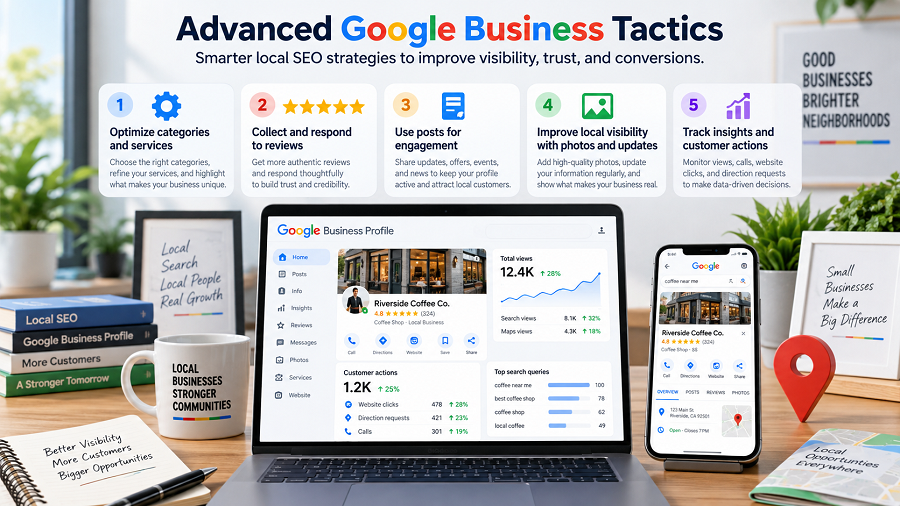
Ready to go beyond the basics? Google Business offers powerful tools. These tools help your business stand out. You can attract more local customers. Let’s explore advanced strategies.
Q&a Section Power
Your Google Business profile has a Q&A. Use it wisely. Think about common customer questions. Post these questions yourself. Then, answer them clearly. This shows you know your business. It answers questions before they are asked. Customers get information fast. This builds trust. It also helps search rankings.
Adding Products And Services
Showcase what you offer. Use the Products and Services sections. Add clear descriptions. Include good photos. List prices if possible. This makes your profile complete. Customers see exactly what you sell. They know if you fit their needs. It’s like a mini-website. It helps customers choose you.
Local Seo Synergy
Google Business works with local SEO. Keep your information current. Your name, address, and phone number must match. This consistency is key. Encourage customer reviews. Respond to all reviews. Positive reviews boost your ranking. They also attract new customers. Use relevant keywords in your posts. This helps people find you locally.
Frequently Asked Questions
What Is Google Business Profile?
Google Business Profile is a free tool. It helps businesses manage their online presence. You can connect with customers. You can also share updates and offers.
How To Claim My Business On Google?
Go to the Google Business Profile website. Search for your business name. Follow the prompts to claim it. You may need to verify your business.
Can I Add Photos To My Profile?
Yes, you can add photos easily. Showcase your products and services. Add pictures of your location too. High-quality images attract more customers.
How To Get Reviews On Google?
Encourage satisfied customers to leave reviews. You can ask them directly. Share a link to your profile. Positive reviews build trust and credibility.
Conclusion
Your business needs Google. It helps people find you. Make sure your Google Business Profile is complete. Keep your information updated. Encourage customer reviews. This makes your business stand out. It brings more customers to your door. Start optimizing your profile today.
See your business grow.

admin
Writer at UpdateArticle, covering technology, software and the tools shaping how we work online.