Admin
Admin
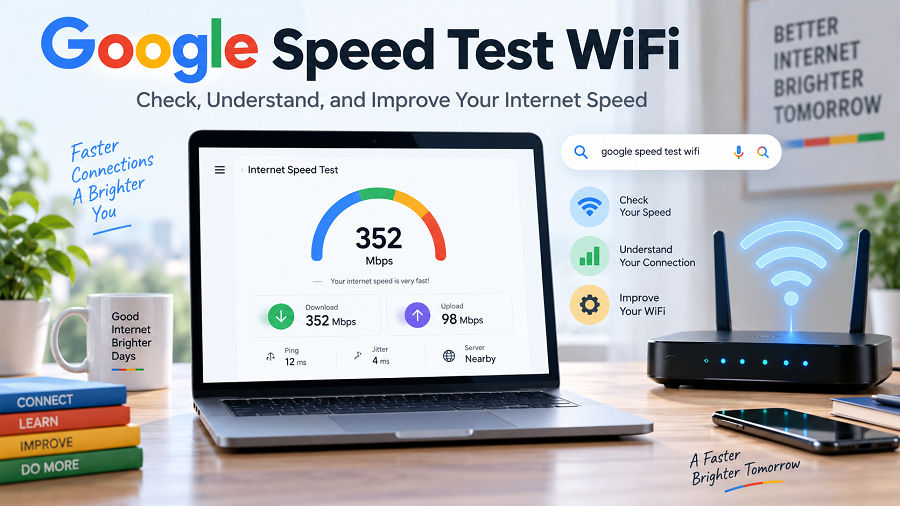
A stable internet connection has become essential for everyday activities. From online classes and remote work to video streaming, gaming, shopping, and social media, almost everything depends on reliable WiFi performance.
When your internet feels slow, the first step is understanding what is happening with your connection. A Google speed test WiFi check helps users measure their internet performance and identify whether their connection is working properly. Many people assume that slow browsing always means their internet provider has a problem. However, WiFi speed can be affected by many factors, including router placement, connected devices, signal strength, network congestion, and device limitations.
This guide explains how Google Speed Test WiFi checks work, how to understand speed results, what causes slow WiFi, and how to improve your internet experience.
What Is Google Speed Test WiFi?
A Google speed test WiFi check is a way to measure your internet connection performance directly from your device. When you search for an internet speed test on Google, Google may display a speed test option through partnerships with internet measurement providers. These tools measure important connection factors such as:
- Download speed
- Upload speed
- Latency (ping)
- Network performance
A speed test sends and receives data between your device and test servers to estimate how quickly your connection works.
The results help you understand whether your WiFi connection is suitable for your online activities.
Why Should You Run a Google Speed Test WiFi Check?
Regular speed testing can help identify internet problems before they affect your daily activities.
Understand Your Actual Internet Speed
Internet plans usually advertise maximum speeds, but your real experience can vary.
A WiFi speed test helps you check:
- Current download speed
- Upload performance
- Connection stability
- Possible network problems
For example, your internet package may support high speeds, but your laptop may receive lower speeds because it is far from the router.
Troubleshoot Slow Internet Problems
If websites load slowly or videos keep buffering, a speed test provides useful information.
A test can help answer questions like:
- Is my internet connection slow?
- Is my WiFi signal weak?
- Is my router causing problems?
- Are too many devices connected?
Check WiFi Performance Before Upgrading
Many users upgrade their internet plans, thinking they need more speed.
However, the real issue may be:
- Poor router placement
- Old WiFi equipment
- Weak wireless coverage
- Device limitations
Testing first can help you make a better decision.
Understanding Google Speed Test Results
Many users see numbers like Mbps and milliseconds but do not understand what they mean.
Download Speed
Download speed measures how fast your device receives information from the internet.
It affects activities such as:
- Watching YouTube videos
- Streaming movies
- Downloading apps
- Browsing websites
- Loading online content
Higher download speeds are helpful when multiple people use the same network.
Upload Speed
Upload speed measures how quickly your device sends information online.
It is important for:
- Video meetings
- Uploading files
- Sending large images
- Cloud backups
- Live streaming
A connection with good download speed but poor upload speed may still create problems during video calls.
Ping or Latency
Latency measures the time it takes for your device to respond to the internet.
Lower latency usually provides a better experience for:
- Online gaming
- Video conferencing
- Real-time applications
A high ping value can cause delays and lag.
What Is a Good WiFi Speed?
The ideal WiFi speed depends on how many people use the connection and what activities they perform.
| Email and basic browsing | 25 Mbps or higher |
| HD video streaming | 50–100 Mbps |
| Multiple streaming devices | 100–300 Mbps |
| Gaming and remote work | 100 Mbps+ |
| Large households | 300 Mbps or higher |
There is no single speed that works for everyone. A family with several smartphones, smart TVs, and laptops needs more bandwidth than a single user browsing websites.
How to Perform a Google Speed Test WiFi Check
Follow these steps to measure your internet speed accurately.
Connect to Your WiFi Network
Connect your device to the WiFi network you want to test.
You can use:
- Laptop
- Smartphone
- Tablet
- Desktop computer
Close Background Activities
Before testing:
- Pause downloads
- Close streaming applications
- Stop large uploads
- Disconnect unnecessary devices
This helps create more accurate results.
Run the Speed Test
Open a reliable speed test tool and start the test.
Wait until the measurement completes.
The tool will display your:
- Download speed
- Upload speed
- Ping result
Compare Results
Compare the results with:
- Your internet plan
- Your daily requirements
- Previous speed tests
A single test may not reflect your connection throughout the day because internet performance can vary.
Common Reasons for Slow Google Speed Test WiFi Results
A slow result does not always mean your internet provider is responsible.
Several factors can reduce WiFi performance.
Router Location
Router placement has a major impact on wireless performance.
Avoid placing routers:
- Inside cabinets
- Behind furniture
- Near thick walls
- Near electronic devices
A central, elevated location usually provides better coverage.
Too Many Connected Devices
Modern homes often connect many devices:
- Phones
- Computers
- Smart TVs
- Security cameras
- Gaming consoles
- Smart speakers
When many devices use the network simultaneously, available bandwidth is divided among them.
Distance From Router
Wi-Fi signals weaken as the distance increases.
You may experience slower speeds in:
- Bedrooms far from the router
- Upper floors
- Rooms with thick walls
Old Router Technology
Older routers may not support newer WiFi standards.
An outdated router can limit:
- Maximum speed
- Coverage area
- Connection stability
Background Applications
Some apps continuously use internet bandwidth.
Examples:
- Cloud backup services
- Software updates
- File synchronization tools
- Streaming apps
How to Improve Google Speed Test WiFi Results
You can improve your WiFi performance with simple changes.
Restart Your Router
Restarting your router can solve temporary connection problems.
Steps:
Turn off your router.
Wait around 30 seconds.
Turn it back on.
Test your speed again.
Move Your Router to a Better Location
Place your router:
- Near the center of your home
- Away from obstacles
- In an open area
This can improve wireless coverage.
Use the Latest WiFi Technology
Modern routers support improved wireless performance.
Newer WiFi technologies can provide:
- Better speed
- Improved efficiency
- Better support for multiple devices
Use Ethernet for Important Devices
For activities that require stable connectivity, consider a wired connection.
Ethernet is useful for:
- Gaming PCs
- Work computers
- Smart TVs
A wired connection is often more consistent than a WiFi connection.
Reduce Unnecessary Connections
Disconnect devices that are not being used.
This can free network resources for important activities.
Google Speed Test WiFi vs Wired Speed Test
WiFi and wired tests measure different connection experiences.
| Connection | Wireless | Ethernet cable |
| Mobility | High | Limited |
| Stability | Depends on signal | Usually more consistent |
| Best For | Everyday use | Accurate troubleshooting |
If you want to test your internet provider’s maximum performance, a wired test often provides a clearer measurement.
Tips for Accurate Google WiFi Speed Tests
Test Multiple Times
Run tests at different times:
- Morning
- Afternoon
- Evening
Internet usage patterns can affect results.
Test Near Your Router
First test close to the router.
Then test from different rooms.
This helps identify coverage issues.
Use Different Devices
Testing from multiple devices can reveal whether the problem is:
- Network-related
- Device-related
Google Speed Test WiFi for Indian Users
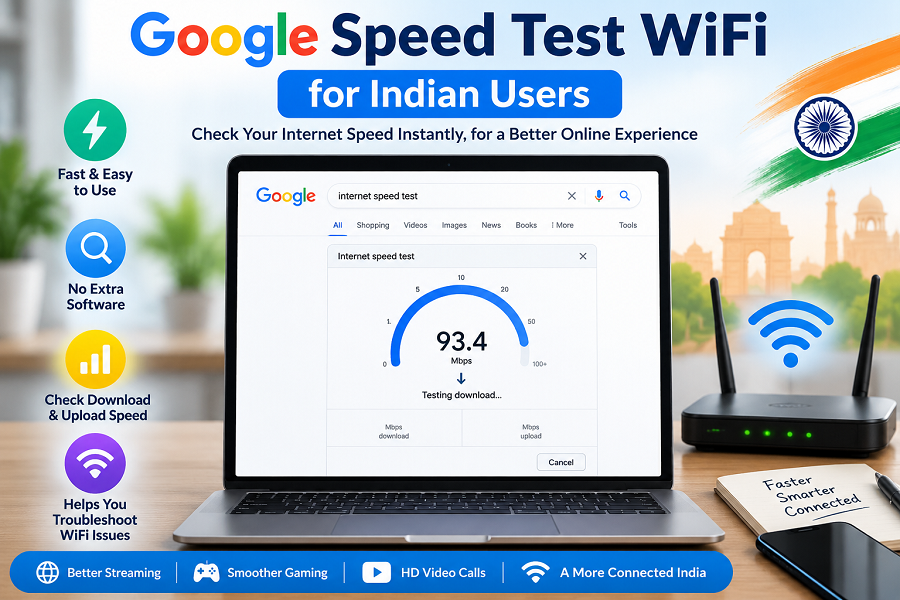
Internet usage in India has increased significantly with:
- Online education
- Work-from-home jobs
- Digital payments
- Streaming services
- Cloud applications
Many Indian households use multiple devices on the same WiFi network.
For better performance:
- Choose the right internet plan.
- Place your router correctly.
- Upgrade old equipment
- Monitor your speed regularly.
A speed test helps users make informed decisions about their home internet setup.
Frequently Asked Questions (FAQs)
What is Google Speed Test WiFi?
Google speed test WiFi refers to checking your internet connection speed using a speed-testing tool available through Google Search or other reliable speed-testing services.
Why is my WiFi speed slower than my internet plan?
WiFi speed can be affected by router distance, interference, connected devices, device hardware, and network conditions.
How can I improve my Google speed test results on WiFi?
You can improve results by moving your router, reducing the number of connected devices, updating equipment, and using Ethernet for important devices.
Is WiFi speed the same as Internet speed?
No. Internet speed refers to your connection from your provider, while WiFi speed refers to the wireless connection between your router and device.
How often should I test my WiFi speed?
You can test whenever you notice slow performance or after changing your router, internet plan, or network setup.