Admin
Admin
A fast and reliable WiFi connection is essential for modern digital activities. Whether you are watching online videos, attending virtual meetings, gaming, uploading files, or browsing websites, your internet speed directly affects your experience.
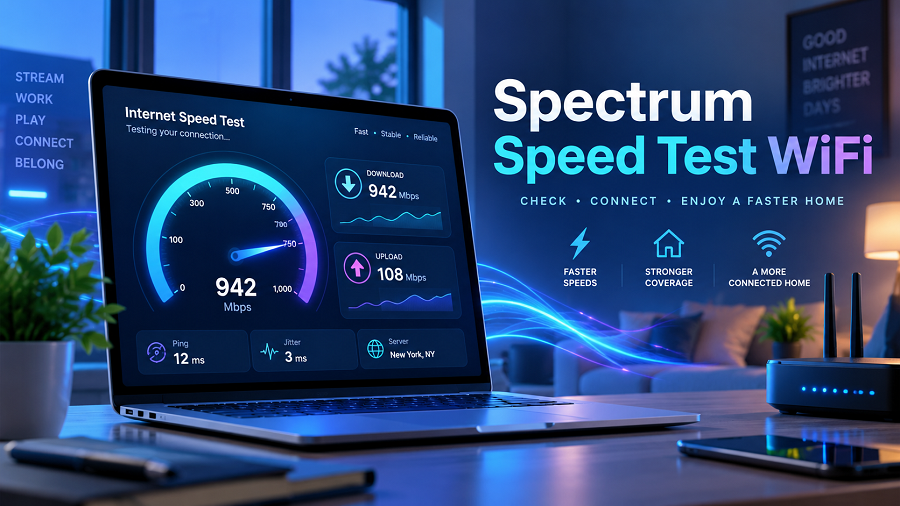
If you use Spectrum Internet, a Spectrum speed test or WiFi check can help you understand whether your connection is performing as expected. It measures key factors such as download and upload speeds, as well as network performance.
Many users notice that their WiFi feels slower than expected, even when they have a high-speed internet plan. The reason is that actual WiFi performance depends on several factors, including router placement, connected devices, device capability, and network conditions.
This guide explains how Spectrum WiFi speed tests work, how to read the results, common reasons for slow speeds, and practical ways to improve your internet connection.
What Is a Spectrum Speed Test WiFi Check?
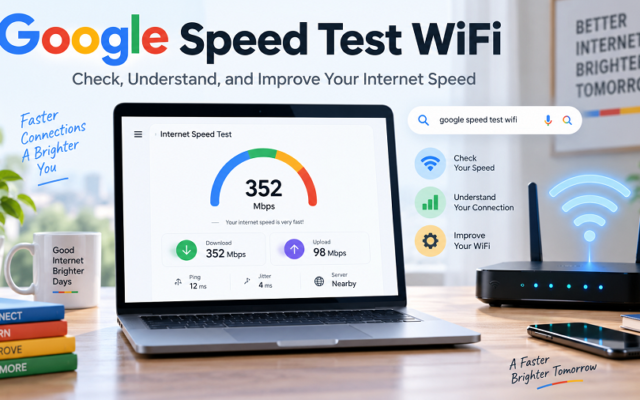
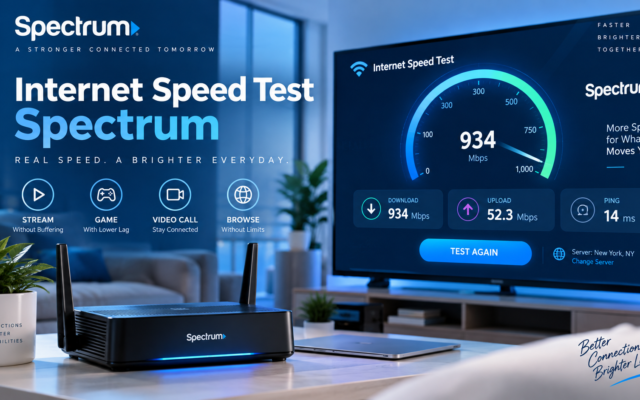
A Spectrum speed test WiFi check is an online tool that measures your internet connection’s performance.
It checks how quickly data moves between your device and the internet. The test usually provides three main results:
| Download Speed | How fast data comes from the internet to your device |
| Upload Speed | How fast data is sent from your device to the internet |
| Ping/Latency | How quickly your device communicates with servers |
Spectrum’s official speed test lets users check their current internet or Wi-Fi connection performance. Results can vary depending on device capability, router location, and the number of connected devices.
For example:
- Streaming movies requires a good download speed.
- Video meetings require a stable upload speed.
- Online gaming depends heavily on low latency.
- Uploading videos requires stronger upload performance.
Why Should You Run a Spectrum Speed Test on WiFi?
Running a speed test helps you understand whether your internet connection matches your expectations.
Check Your Actual Internet Performance
Your internet plan may advertise a certain speed, but your device may receive a different result over WiFi.
A speed test helps identify:
- Whether you are receiving expected speeds
- Whether your router is performing properly
- Whether your WiFi signal is weak
- Whether another issue is affecting performance
Identify Slow Internet Problems
If websites load slowly or videos constantly buffer, a speed test can help determine the cause.
For example:
Problem:
Your plan supports high speeds, but the test shows low results.
Your plan supports high speeds, but the test shows low results.
Possible reasons:
- Weak WiFi signal
- Too many connected devices
- Old router hardware
- Background downloads
- Device limitations
Decide Whether You Need a Faster Plan
Different households need different internet speeds.
Spectrum offers different internet speed options depending on usage needs. Available plans vary by location, but Spectrum provides options ranging from lower-speed household plans to multi-gig internet in select areas.
A small household may need less bandwidth than a large family with multiple streaming devices, gaming systems, and smart home equipment.
How to Perform a Spectrum Speed Test on WiFi
Testing your WiFi speed is simple.
Connect Your Device to WiFi
Use the device where you experience internet problems:
- Laptop
- Desktop computer
- Smartphone
- Tablet
Make sure it is connected to your Spectrum WiFi network.
Close Background Applications
Before testing:
- Pause downloads
- Close streaming apps
- Stop cloud backups
- Disconnect unnecessary devices if possible.
This helps produce a more accurate result.
Run the Speed Test
Open a reliable internet speed test tool and start the test.
The test will usually measure:
- Download speed
- Upload speed
- Latency
Compare Results With Your Plan
Compare your test results with your subscribed internet package.
Remember that WiFi speeds are not always identical to wired Ethernet speeds because wireless connections are affected by distance, walls, interference, and device limitations.
Understanding Spectrum Speed Test Results
Many users see numbers like Mbps and Gbps but do not know what they mean.
Download Speed
Download speed measures how quickly information reaches your device.
Examples:
Good for:
- Watching Netflix or YouTube
- Browsing websites
- Downloading files
- Software updates
Higher download speed generally improves performance when multiple devices are using the internet.
Upload Speed
Upload speed measures how quickly your device sends information online.
Important for:
- Video calls
- Uploading photos
- Sending large files
- Live streaming
Ping or Latency
Latency measures response time.
Lower latency is better.
Low latency helps with:
- Online gaming
- Video conferencing
- Real-time applications
What Is a Good Spectrum WiFi Speed?
The ideal speed depends on your online activities.
| Basic browsing and email | 25–100 Mbps |
| HD streaming | 50–100 Mbps |
| Multiple users streaming | 100–500 Mbps |
| Gaming and remote work | 100 Mbps+ |
| Large households | 500 Mbps–1 Gig or more |
Spectrum recommends considering household size, connected devices, and internet activities when choosing the right speed level.
Common Reasons for Slow Spectrum WiFi Speed
Even with a good internet plan, WiFi performance can decrease.
Router Placement Problems
Where you place your router matters.
Avoid placing your router:
- Inside cabinets
- Behind furniture
- Near thick walls
- Near electronic devices
A central, open location usually provides better coverage.
Spectrum notes that physical barriers such as walls, floors, metal, and certain appliances can interfere with WiFi signals.
Too Many Connected Devices
Modern homes may have many connected devices:
- Smartphones
- Smart TVs
- Cameras
- Gaming consoles
- Smart speakers
When many devices use bandwidth simultaneously, speeds may decrease.
Old Router Hardware
Older routers may not support newer WiFi technologies.
Upgrading your router can improve:
- Coverage
- Speed
- Device management
- Network stability
Spectrum offers Advanced WiFi options using newer WiFi technology for compatible customers.
Weak WiFi Signal
If your device is far from the router, speed may drop.
Solutions include:
- Moving closer to the router
- Using WiFi extenders
- Improving router placement
Device Performance Issues
Sometimes the internet is not the problem.
Your device may slow down because of:
- Old hardware
- Low storage
- Background programs
- Outdated software
How to Improve Spectrum WiFi Speed
Here are practical steps to get better performance.
Restart Your Modem and Router
A simple restart can fix temporary connection problems.
Steps:
Turn off your router and modem.
Turn off your router and modem.
Wait about 30 seconds.
Turn them back on.
Test your speed again.
Use Ethernet for Important Devices
For devices like:
- Gaming computers
- Workstations
- Smart TVs
A wired Ethernet connection often provides more stable performance than WiFi.
Update Router Firmware
Keeping your router updated can improve:
- Security
- Stability
- Performance
Reduce Network Load
During important activities:
- Pause large downloads
- Disconnect unused devices
- Stop unnecessary streaming
Consider WiFi Extenders
Large homes may have areas with weak signals.
WiFi extenders can help improve coverage in rooms far from the router.
Spectrum Speed Test WiFi vs Wired Speed Test
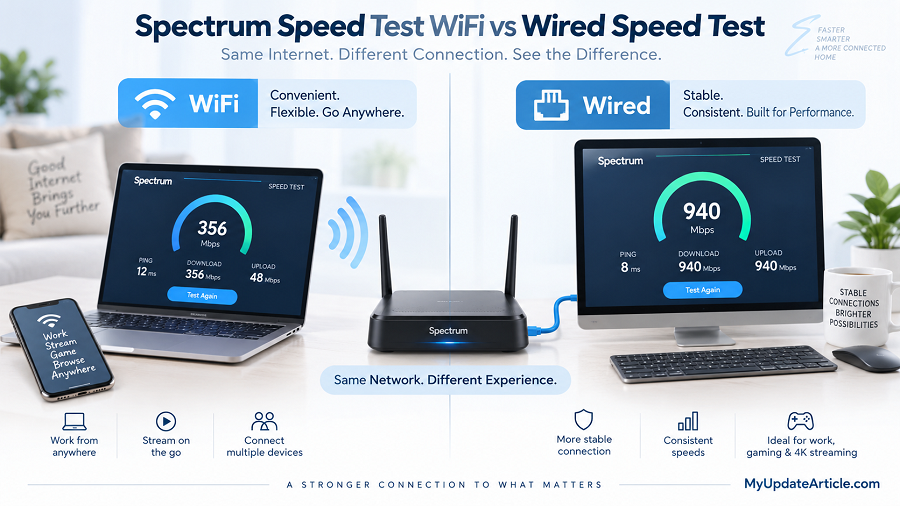
There is an important difference between WiFi and wired testing.
| Connection Type | Wireless | Ethernet cable |
| Convenience | High | Lower |
| Maximum Speed | Depends on WiFi signal | Usually more stable |
| Best For | Everyday users | Accurate troubleshooting |
If you want to check your internet provider’s performance, testing with Ethernet often gives a clearer picture.
Spectrum Wi-Fi Speed Test Tips for Accurate Results
Follow these tips:
Test Multiple Times
Internet speeds can change throughout the day.
Run tests at:
- Morning
- Afternoon
- Evening
Compare the results.
Test Near the Router
First test close to your router.
Then test from different rooms.
This helps identify coverage problems.
Use Updated Devices
Older phones and laptops may not support maximum WiFi speeds.
Frequently Asked Questions (FAQs)
What is the Spectrum speed test WiFi?
Spectrum speed test WiFi is a tool that measures your internet connection performance, including download speed, upload speed, and network response time.
Why is my Spectrum WiFi slower than my plan speed?
WiFi speed can be affected by router placement, connected devices, device capability, interference, and network conditions.
How can I improve my Spectrum WiFi speed?
You can improve speed by moving your router, reducing the number of connected devices, updating equipment, using Ethernet for important devices, and improving WiFi coverage.
Is WiFi speed the same as internet speed?
No. Internet speed refers to your connection from your provider, while WiFi speed refers to the wireless connection between your router and device.
How often should I test my Spectrum WiFi speed?
You can test whenever you notice slow performance or after changing your router, plan, or network setup.